
KMST ver. 1.2.179 – Azmoth Canyon!
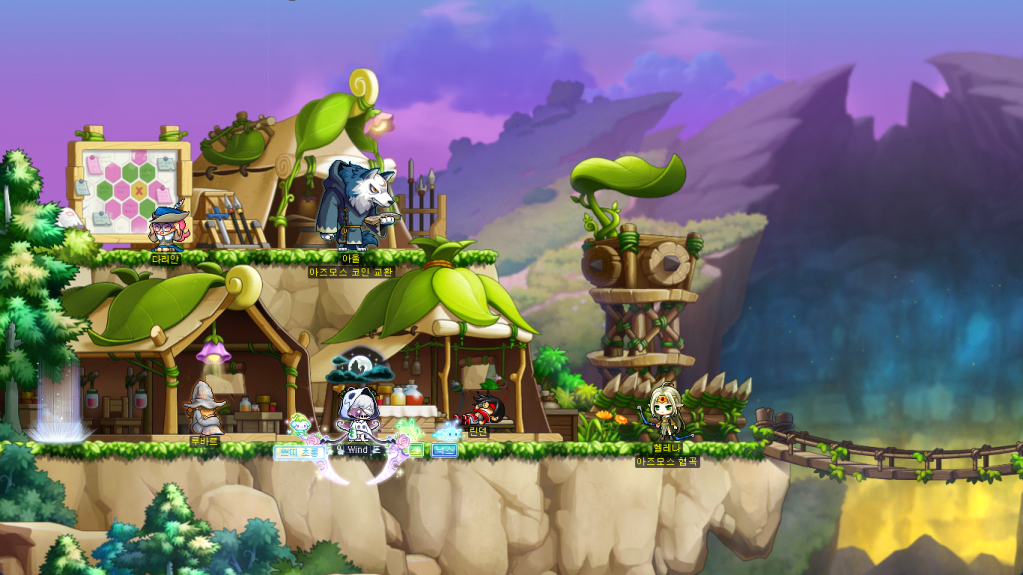
The last pieces of content (except for the Demon Slayer collaboration next month) that they announced in the Milestone showcase have been released to the test server! The new Azmoth Canyon is a sort of roguelike that rewards Azmoth Coins (which can be traded for some enhancement items) and Maple Gold Coins (mesos). The other big part of this patch is the Dave the Diver collaboration, which is quite extensive and basically lets you play Dave the Diver in MapleStory!
Maple Now (October 10, 2024)
Here are some of the main points that he talked about:
- Azmoth Canyon is intended as a new source of mesos after they changed potential resets to use mesos.
- The Bonus Rewards are structured in a way where you will gain more mesos than the Maple Points you spend.
- Experience is not the main focus of this content, unlike Epic Dungeons. While it won’t give as much experience as those, if you get a high enough score, it will be equivalent to about an hour’s worth of grinding.
- After this Azmoth patch, there will not be any more patches addressing the economic situation, which were needed after changing potential resets, for the time being.
- They nerfed some bosses’ HP due to the previous synergy nerf patch.
- The Dave the Diver collaboration was intended to give an entirely new experience in MapleStory, essentially bringing the game into the MapleStory engine. (This is actually really cool, you can see it starting at 1:12:50).
Overview
- Azmoth Canyon
- Monster Collection
- Cash
- Improvements
- Skill Changes
- Error Fixes
- Events
- Dave the Diver Collaboration
- Save the Diver
- Blue Hole Exploration
- Bancho Sushi Business
- Blue Hole Creature Encyclopedia
- MapleStory X Dave the Diver Collaboration Cash Items
- Dimensional Turmoil
- Dimensional Gate Stabilization
- Power Beyond Dimensions
- Dimension Token Shop
- VIP Sauna
- Dimensional Haunted Mansion
- Dave the Diver Collaboration
Azmoth Canyon
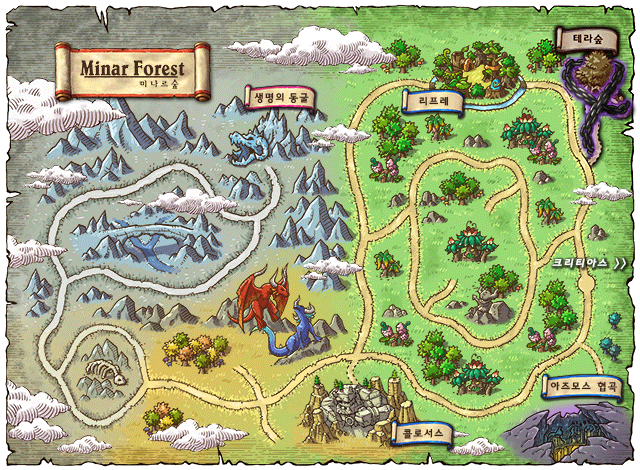
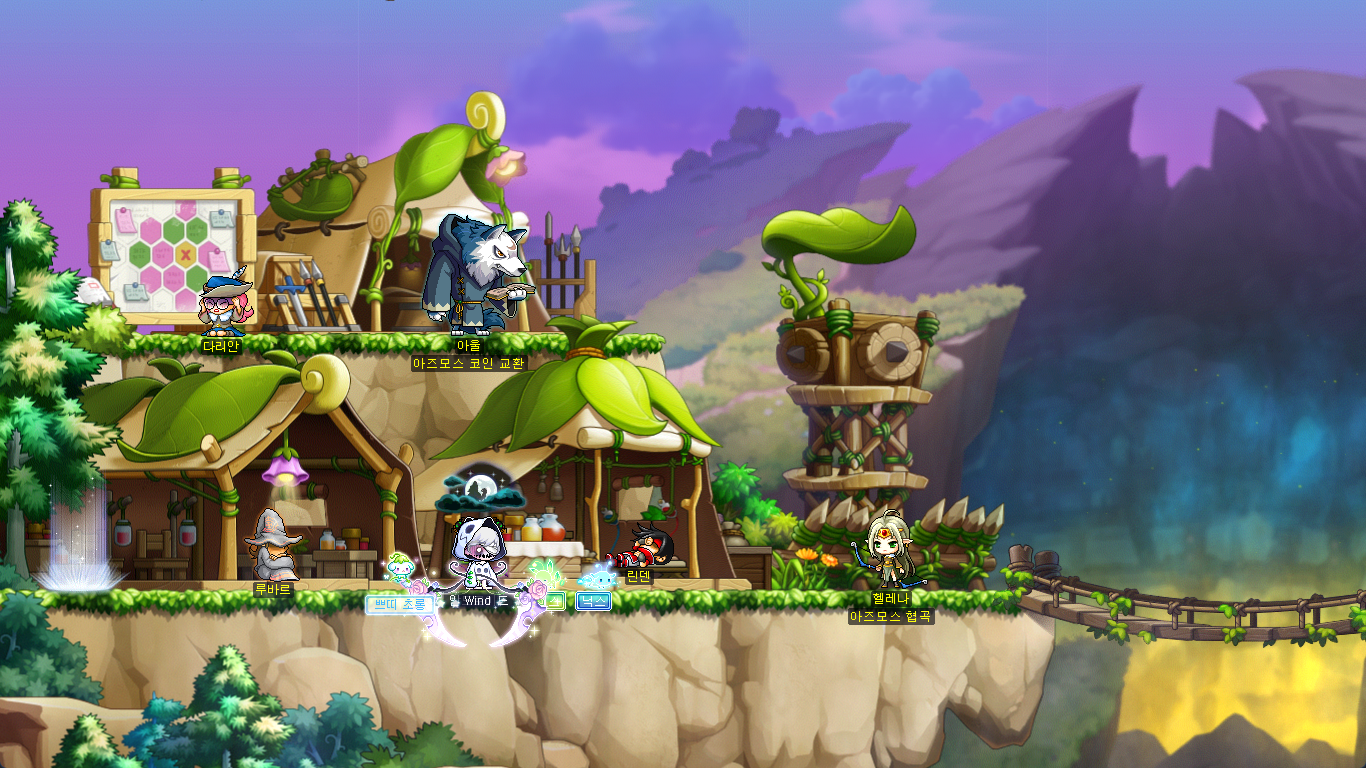
An unknown world discovered underground in southern Leafre. Explore Azmoth Canyon to find out what happened there and what’s going on now.
- Participation Requirements:
- Level 260 or higher characters who have completed ‘[Azmoth Canyon] Advance Party’s Testimony’ quest.
- Participation Method:
- A branched path has been added to southern Leafre that leads to Azmoth Canyon.
- To enter the Azmoth Boundary, you must complete the ‘[Azmoth Canyon] Giant Valley’ quest which can be started through the Lightbulb icon. You can also start the quest through the Maple Guide.
- After completing the ‘[Azmoth Canyon] Advance Party’s Testimony’ quest, you can enter by talking to Helena located in the Azmoth Boundary.
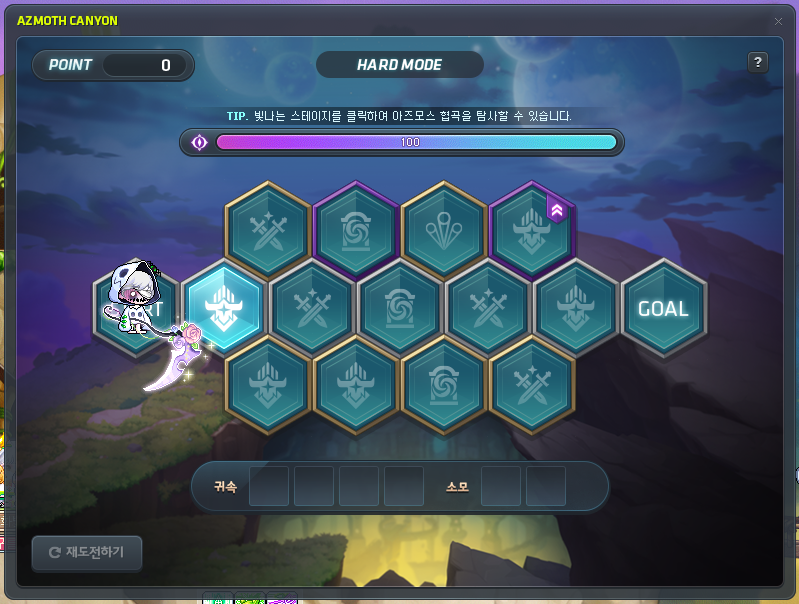
By completing the Azmoth Canyon Exploration, you can acquire rewards based on your exploration progress. You can explore Azmoth Canyon until all of your Resistance is consumed. If you exit during the Exploration, the Canyon Exploration progress will be reset.
Azmoth Canyon is divided into Normal Mode and Hard Mode. When you enter Hard Mode, your final damage will be decreased by 90% due to the terrible magic.
※ Azmoth Canyon can only be cleared 1 time per week by 1 character per Nexon ID.
※ You can acquire up to 2,000 Content Points in Normal Mode, and up to 10,000 Content Points in Hard Mode.
※ If you have not completed the Exploration, you can try to enter Azmoth Canyon on another character to try again.
※ If you World Leap after entering, you will be considered as a different character.
※ Azmoth Canon’s weekly reset time is every Thursday at 12:00 AM.
※ Azmoth Canyon cannot be entered on Red PC.

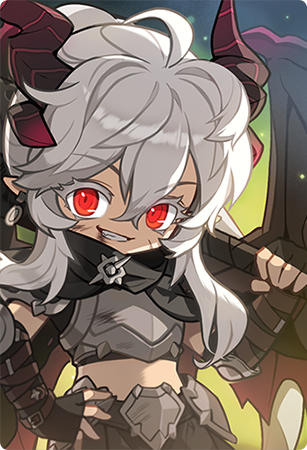
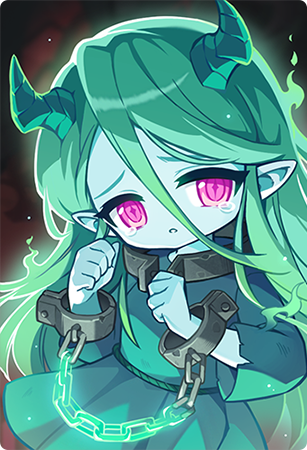
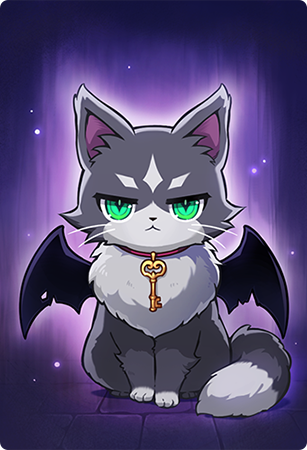
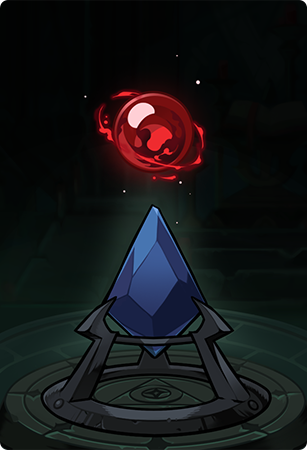
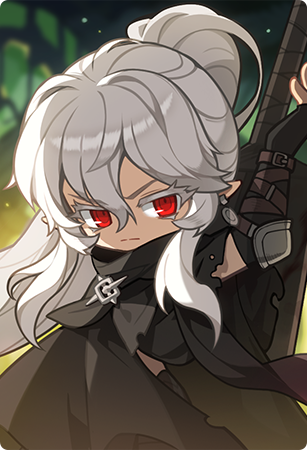

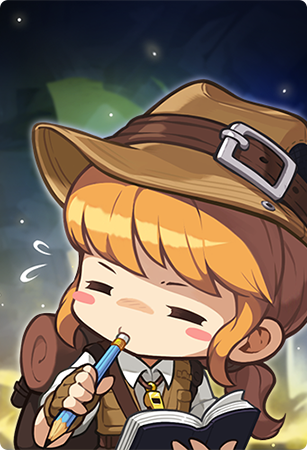


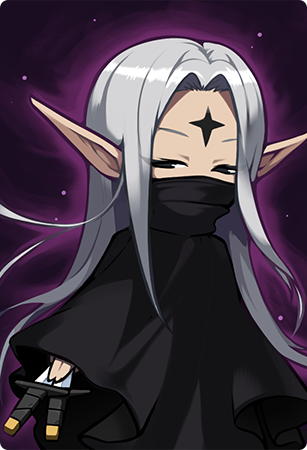
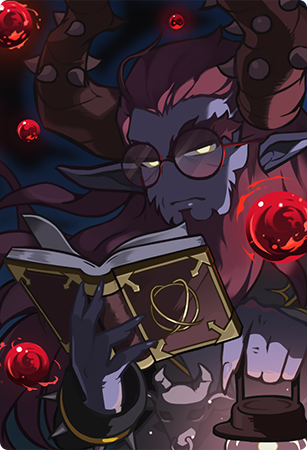
The following quests have been added.
- [Azmoth Canyon] Giant Valley
- [Azmoth Canyon] Azmoth Canyon
- [Azmoth Canyon] Advance Party’s Testimony
- [Azmoth Canyon] Exploration Party Dispatch
- [Azmoth Canyon] The Truth of Azmoth
Dungeon Clear Rewards

- Experience
- Azmoth Canyon Coins
※ You must acquire at least 250 Content Points to acquire the Dungeon Clear Rewards.
※ The amount of experience and Azmoth Coins provided as rewards will be based on the number of Content Points you acquired.
※ ‘Azmoth Coins’ can be used at the ‘Azmoth Coin Exchange’ by talking to Owl at the Azmoth Boundary map.
Azmoth Coin Exchange
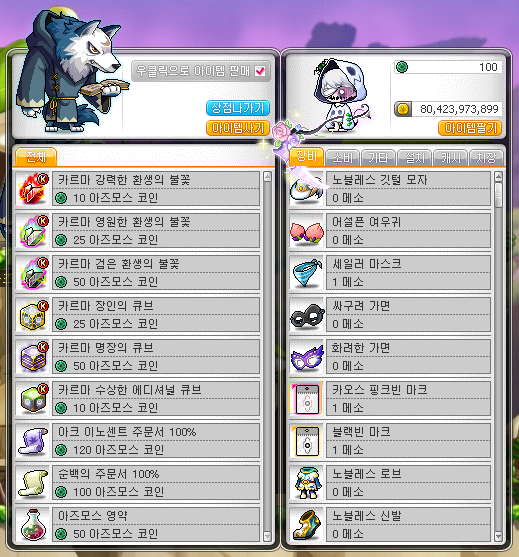
- Karma Powerful Rebirth Flame (10 coins) [limit of 50 per week]
- Karma Eternal Rebirth Flame (25 coins) [limit of 50 per week]
- Karma Black Rebirth Flame (50 coins) [limit of 30 per week]
- Karma Craftsman’s Cube (25 coins) [limit of 50 per week]
- Karma Meister Cube (50 coins) [limit of 30 per week]
- Karma Suspicious Additional Cube (10 coins) [limit of 50 per week]
- 100% Ark Innocent Scroll (120 coins) [limit of 10 per week]
- 100% Clean Slate Scroll (100 coins) [limit of 10 per week]
- Azmoth Elixir (50 coins) [unlimited]
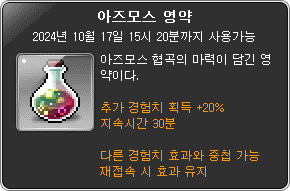
※ The ‘Azmoth Elixir’ is a new item that gives 20% additional experience for 30 minutes.
※ The ‘Azmoth Elixir’ is a tradable item.
※ All items in this shop are limited per world. All items except for the ‘Azmoth Elixir’ can only be put into storage.
Bonus Rewards

After clearing the Azmoth Canyon dungeon, you can use Maple Points to acquire additional rewards. The amount of Maple Points you can use to acquire Bonus Rewards will be increased based on the number of Content Points you acquired.
If you did not acquire Bonus Rewards at the time you cleared, you can claim them afterwards through the Azmoth Canyon Entry UI.
※ You must acquire at lest 500 Content Points to be able to acquire Bonus Rewards.
| Section | Rewards Per Unit | Maple Points Per Unit | Maximum Amount of Usable Maple Points |
|---|---|---|---|
| Bonus Rewards | 3 Maple Gold Coins 25 Azmoth Coins | 2,500 | Based on the number of Content Points acquired. |
Note: The patch notes are a little vague about this part so I wanted to clarify. Every 500 Content Points is considered a ‘unit’. So for example, if you cleared Hard Mode and got the maximum amount of 10,000 Content Points, you could pay for up to 10,000/500 = 20 ‘units’ of Bonus Rewards. This would cost 20 x 2,500 = 50,000 Maple Points.
An Azmoth Canyon related Union Artifact mission has been added.
- Complete the Azmoth Canyon quests.
Information
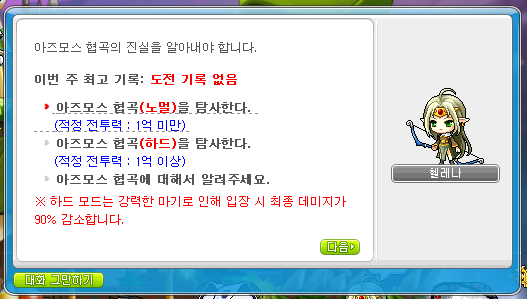
You can talk to Helena to open the Azmoth Canyon UI. You can choose between Normal Mode (recommended for those with less than 100m Combat Power) and Hard Mode (recommended for those with more than 100m Combat Power).
At the top, you’ll see the Mode that you chose, your current number of Content Points, and a bar that represents your Resistance. Below that is the Stage Selection, where you must complete stages along the path to reach the Goal. At the bottom are the Dungeon Items that you currently have and can consume.

When you click on a Stage, it will display a brief description of the stage, show your Combat Power, the Stage’s recommended Combat Power, and the amount of Resistance that will be consumed upon entering. If your Resistance reaches 0 before you reach the Goal, you will fail.
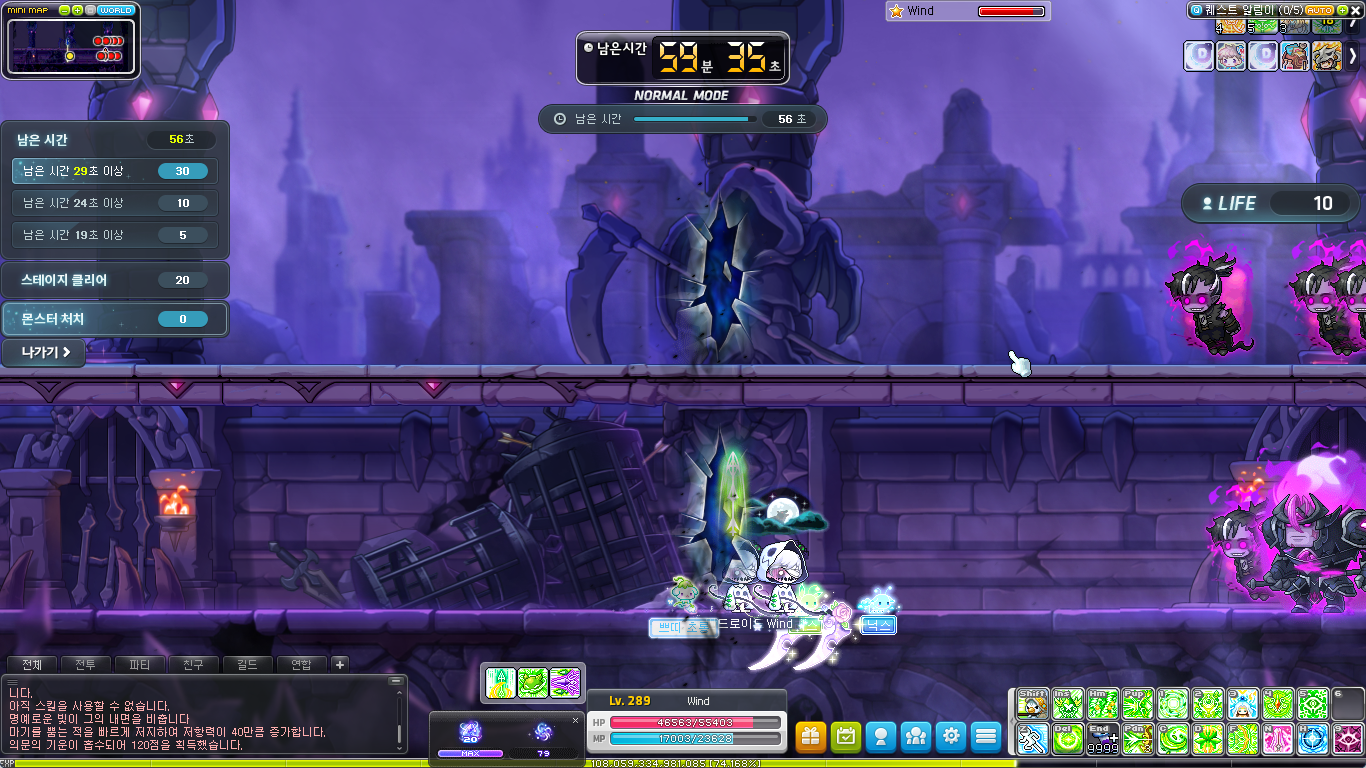
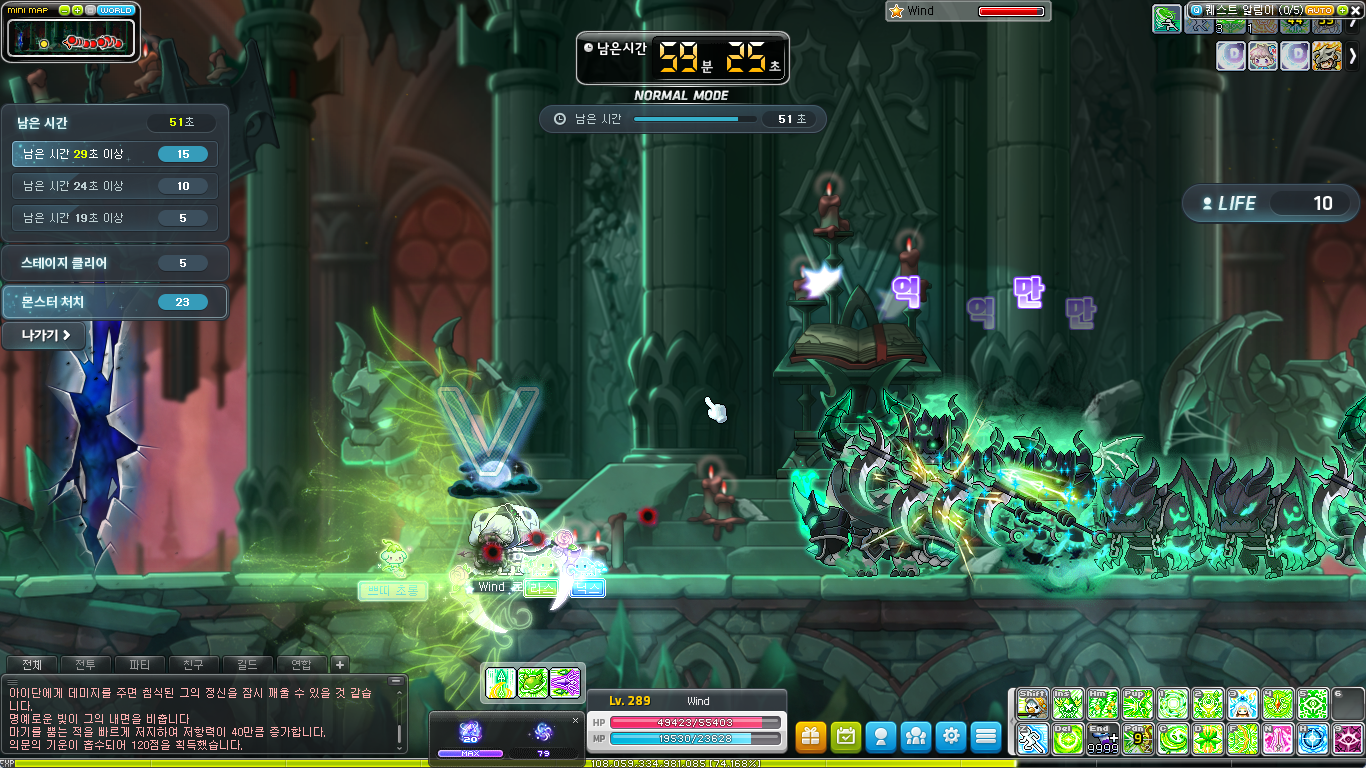
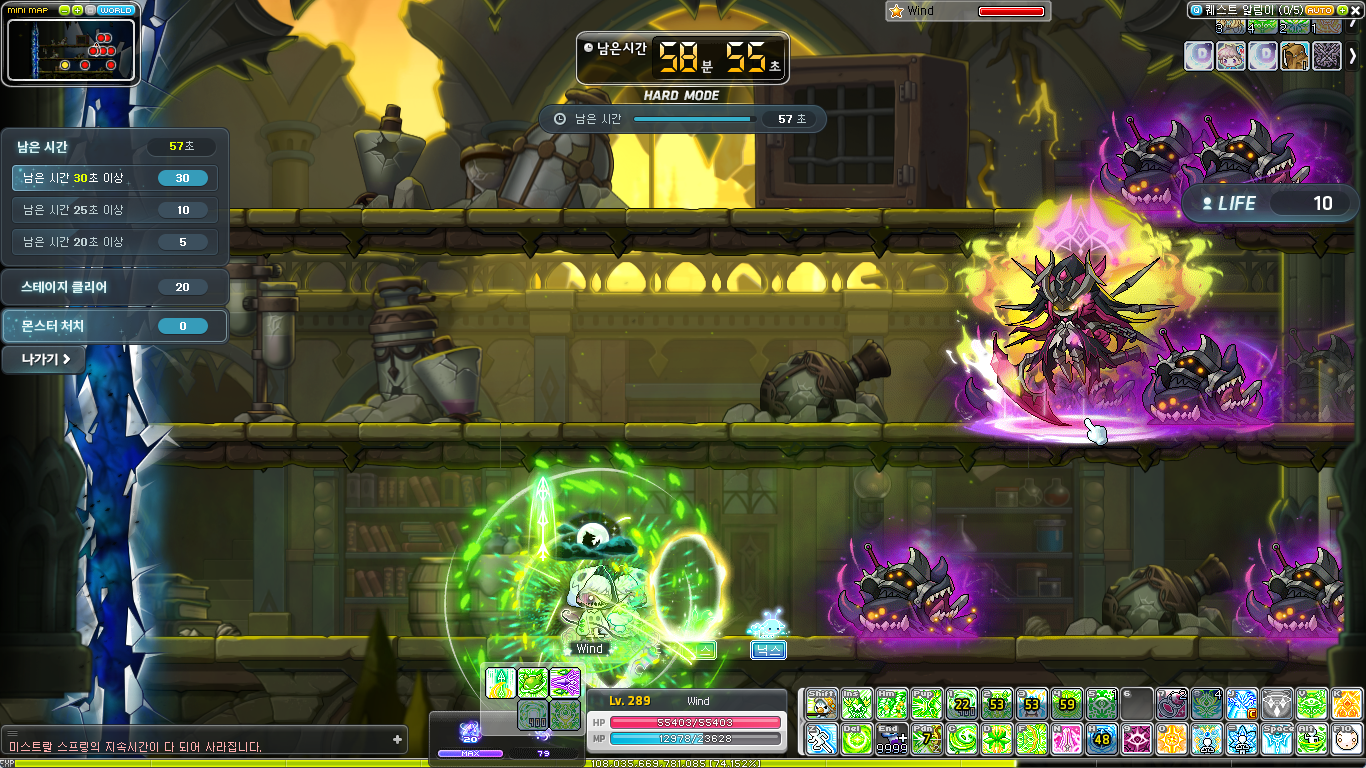
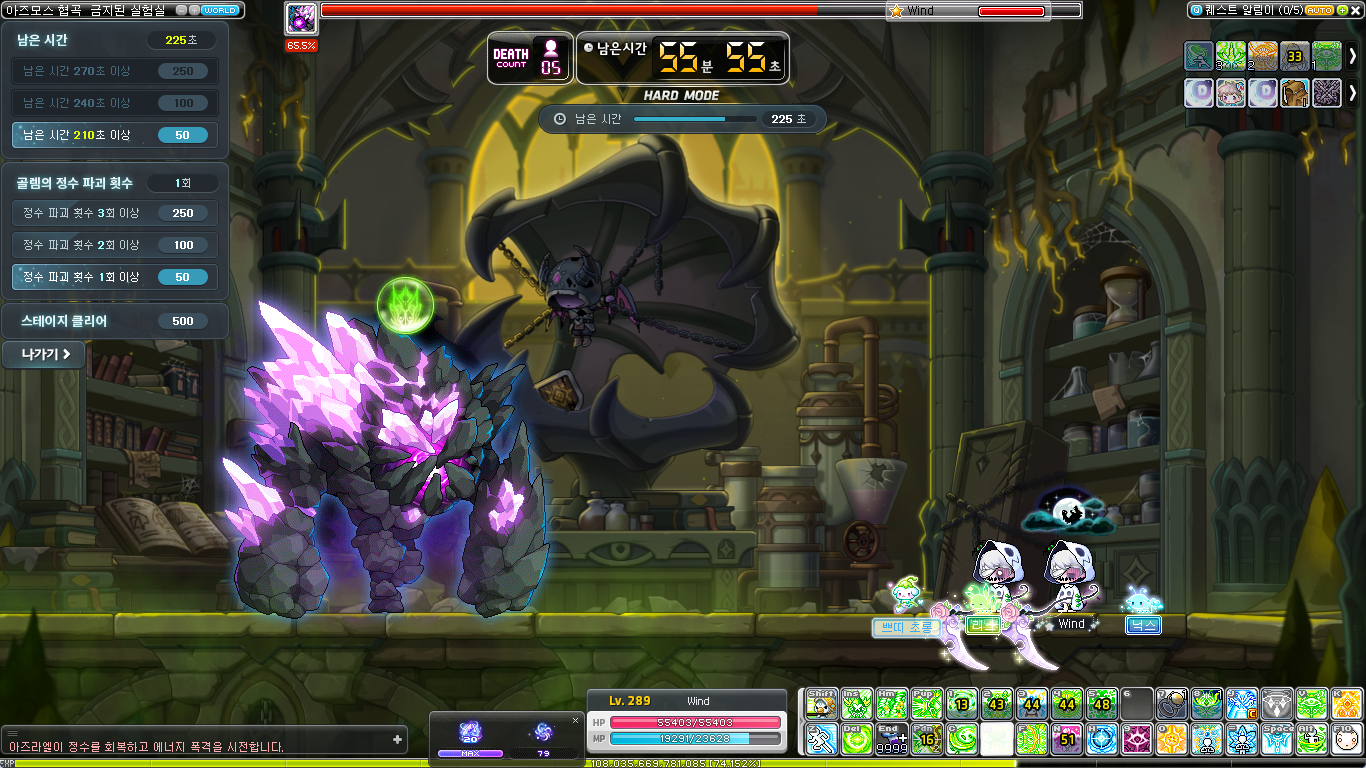
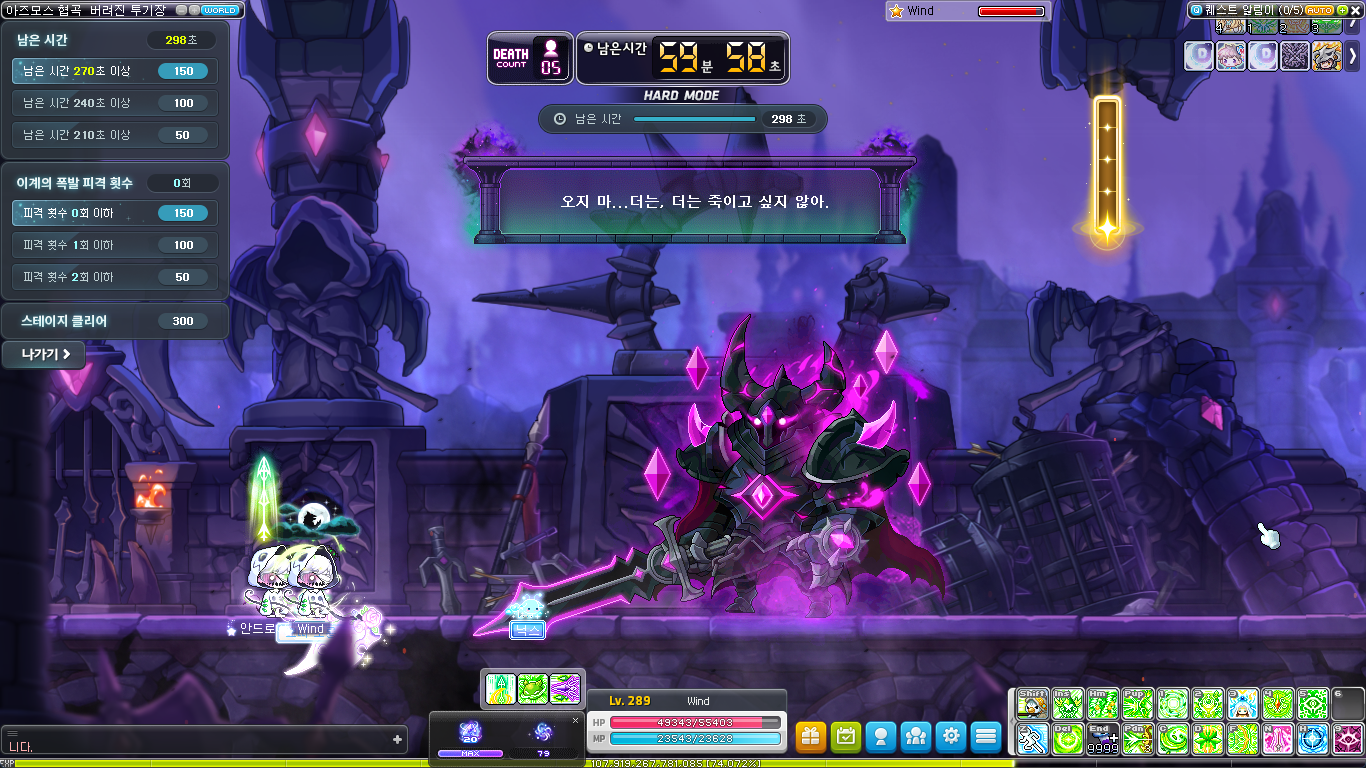
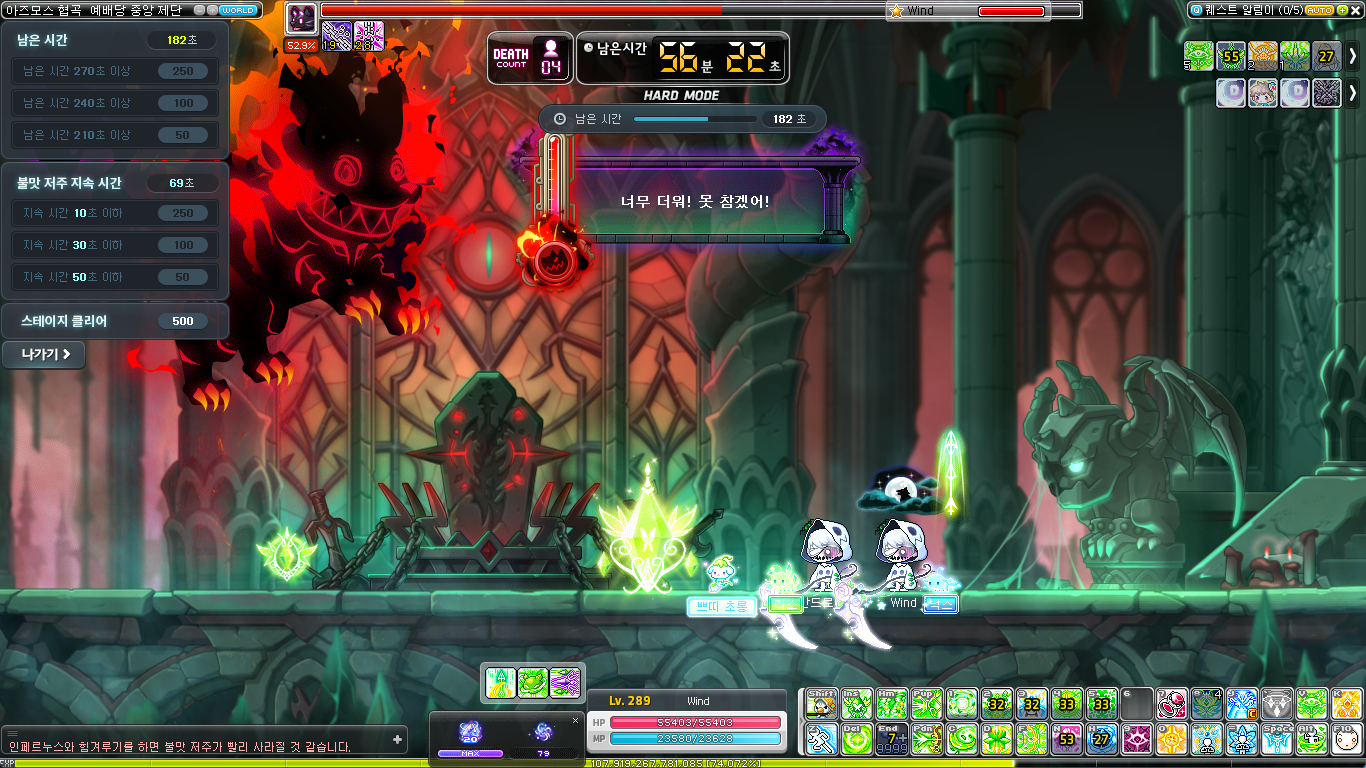
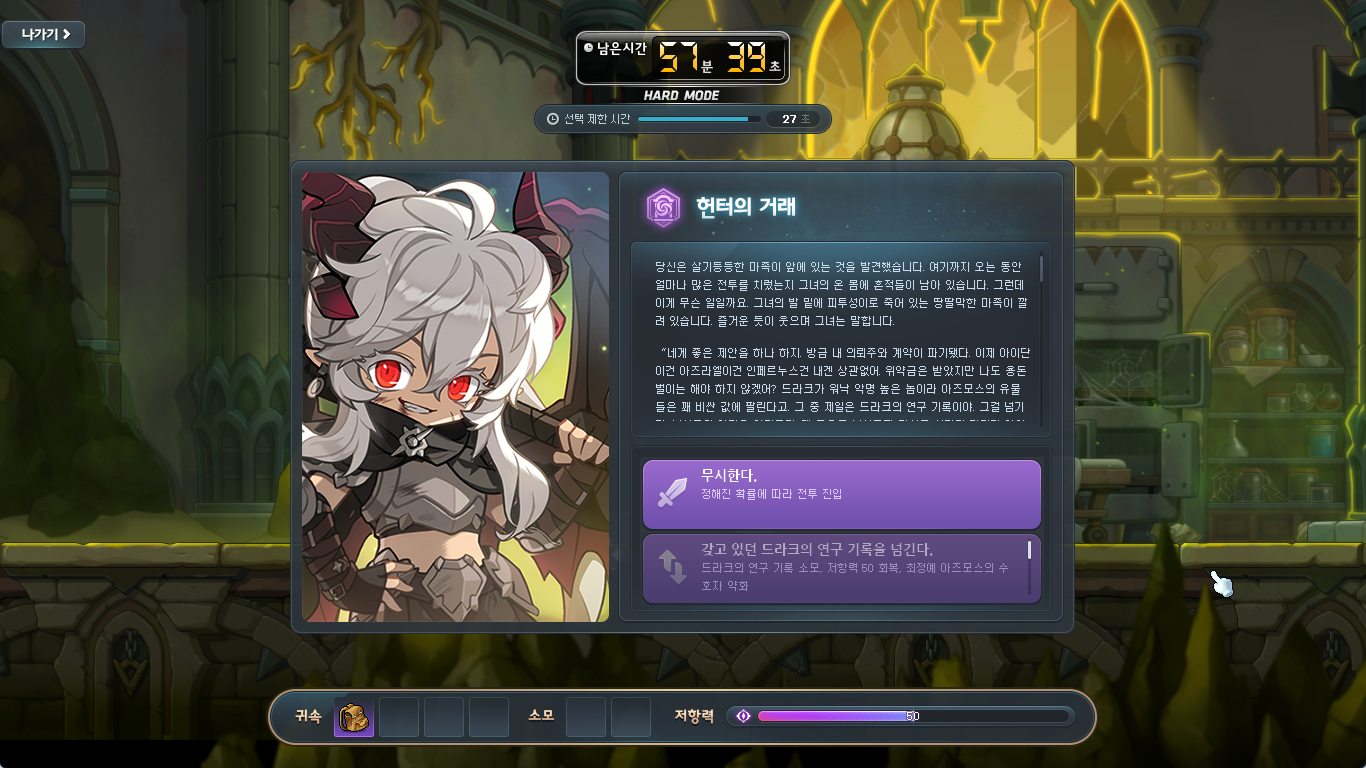
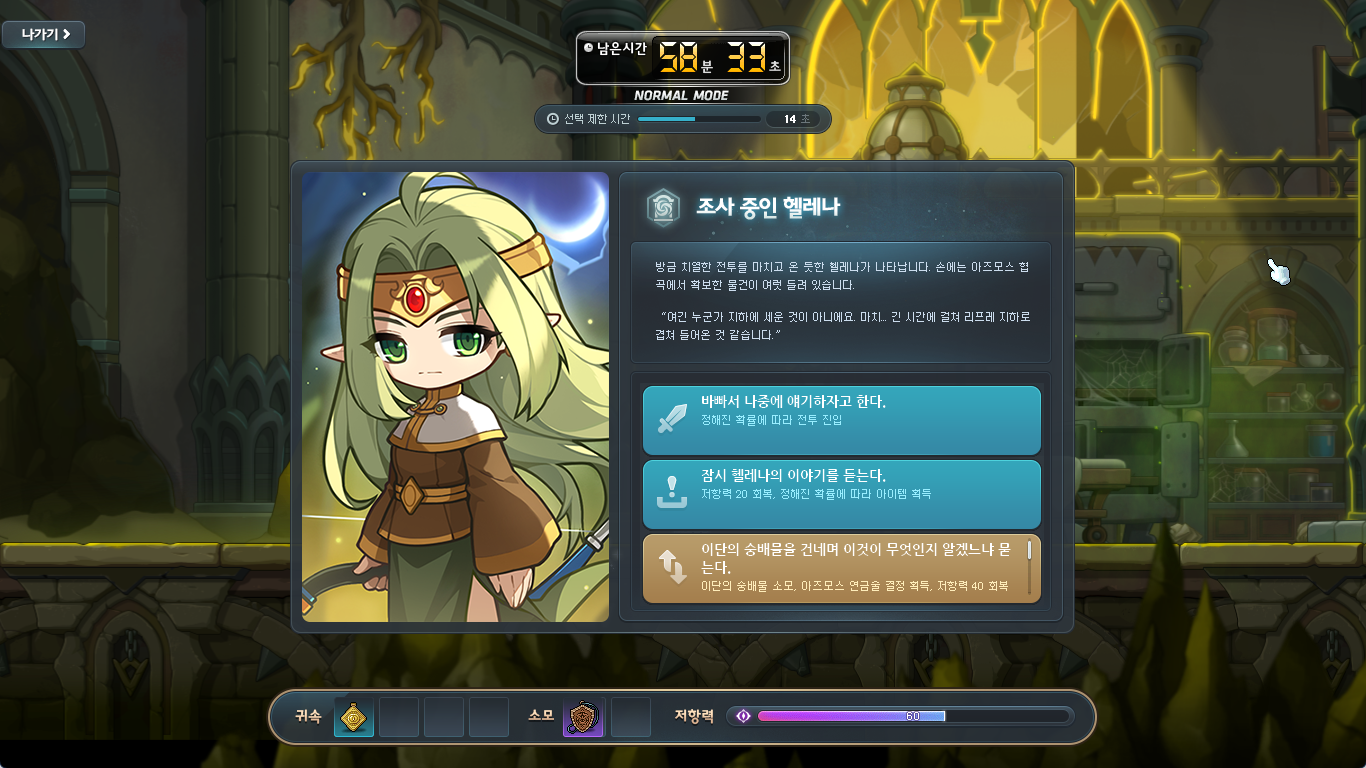

There are four types of Stages:
- Rift Defense: Defeat the enemies that are trying to escape Azmoth Canyon through the Dimensional Rifts. These stages are similar to Pyramid PQ where you must stop the enemies from reaching the Rifts.
- Azmoth’s Guardians: Defeat the Cursed Guardians that protect Azmoth Canyon. These stages are the Boss fights, in each one you face one of the three bosses of Azmoth.
- Azmoth Annilihation Battle: Use the Magic Orb’s bullets to stop the Cursed Ones. This is a minigame stage where you use the arrow keys to move around the map while using WASD to shoot bullets at the enemies and Space to dash and dodge attacks.
- Azmoth’s Visitors: Meet the visitors within Azmoth Canyon and talk to them. These stages have you meet various NPCs, both new and old, and give you lore about Azmoth. You can also exchange items with these NPCs for various effects.
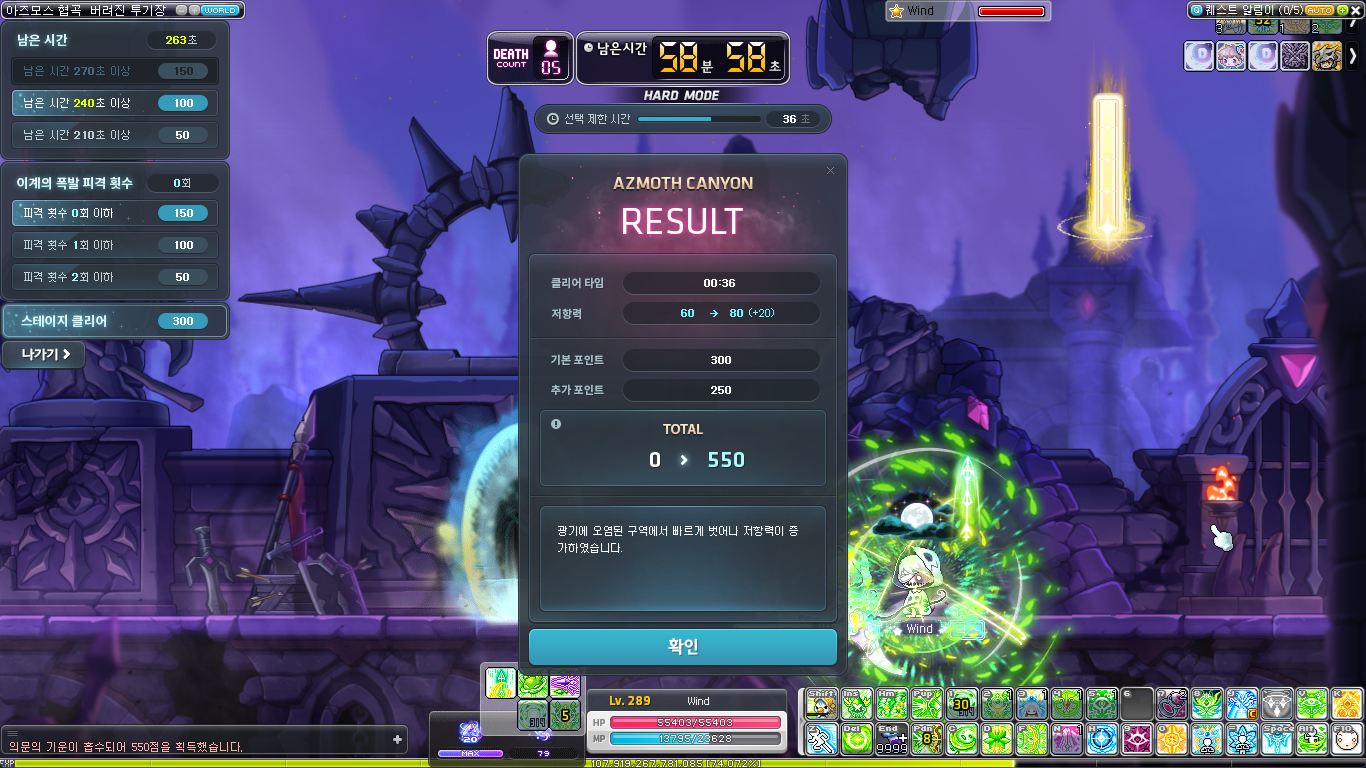
At the end of each Stage, the Result window will appear. It will display the clear time, amount of Resistance restored, the base number of Content Points you get for clearing, and the Additional Content Points you received for completing various additional objectives (shown on the top left), things like clearing within a certain amount of time or not getting hit.
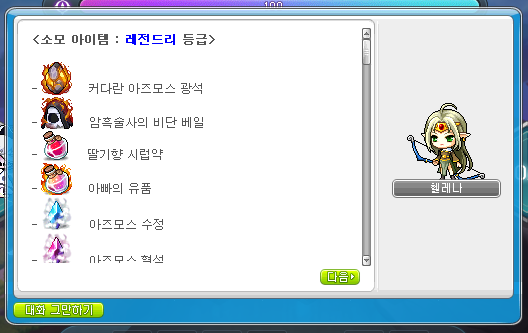
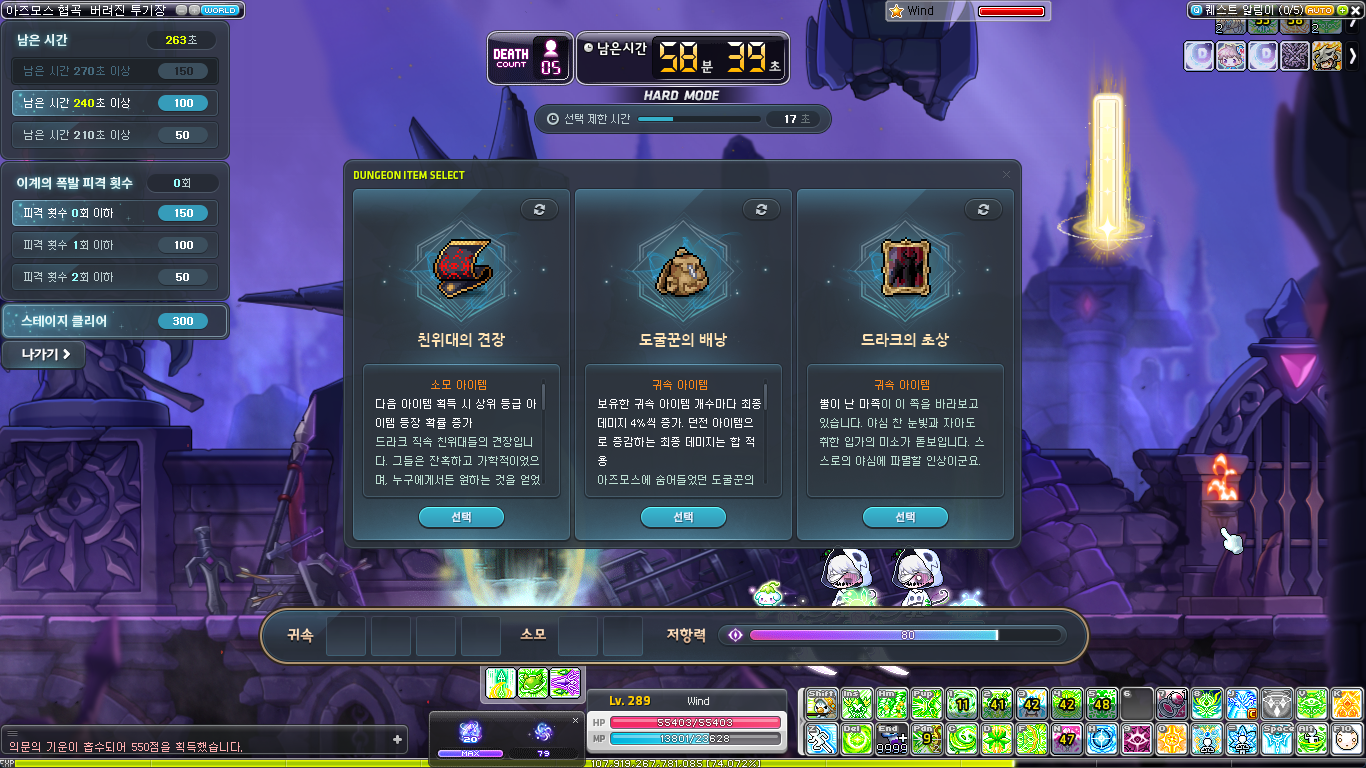
There are many types of Dungeon Items that you will acquire as you explore Azmoth Canyon. At the end of each Stage, you can choose one of three random items (you can also reroll each one one time). They have various effects and can vary from Rare/Epic/Unique/Legendary tier. Certain visitors in Azmoth Canyon may be able to exchange or upgrade the items you have if you meet them.
The items can have effects like the following. There’s also many other different variations and conditions.
- Final damage boost.
- Additional Content Points upon clearing.
- Protect from 1 death.
- Recover Resistance.
Basically, you go from left to right, choosing the Stages you want to challenge. Along the way, you will collect various Dungeon Items that can affect your run or can be exchanged with the various Visitors to receive other items, effects, or even lore. If you fail a Stage, your run will end immediately and you will be taken to the exit where you will receive rewards based on the Content Points you acquired up until that point.
You must choose the best path that allows you to maximize the amount of Content Points you acquire while collecting various items and ensuring that your Resistance does not reach 0.
I ran through a few times on Normal Mode (since Hard Mode is actually pretty tough, the recommended Combat Power is definitely valid!) so I could get an idea of how to play. You actually need to put some thought into which route you go and which items you choose as you can end up running out of Resistance quite early and being forced to exit and restart.
Monster Collection
Certain monsters’ ranks in Monster Collection have been adjusted.
The following monsters’ names have been changed.
| Existing Name | Changed Name |
|---|---|
| Angler Robot Type A | Angler Bombardment Type Test Machine |
| Angler Robot Type B | Angler Proximity Type Test Machine |
| Angler Robot Type C | Angler Electronic Type Test Machine |
| Angler Scout A | Angler Scout |
| Angler Trooper A | Angler Trooper |
| Angler Titan A | Angler Titan |
| Captain Trooper | Angler Commander |
| Angler Scout B | Enhanced Angler Scout |
| Angler Trooper B | Enhanced Angler Trooper |
| Angler Titan B | Enhanced Angler Titan |
| Angler Hornet A | Angler Hornet |
| Angler Hornet B | Enhanced Angler Hornet |
| Angler Surveillance Robot A | Angler Warning System |
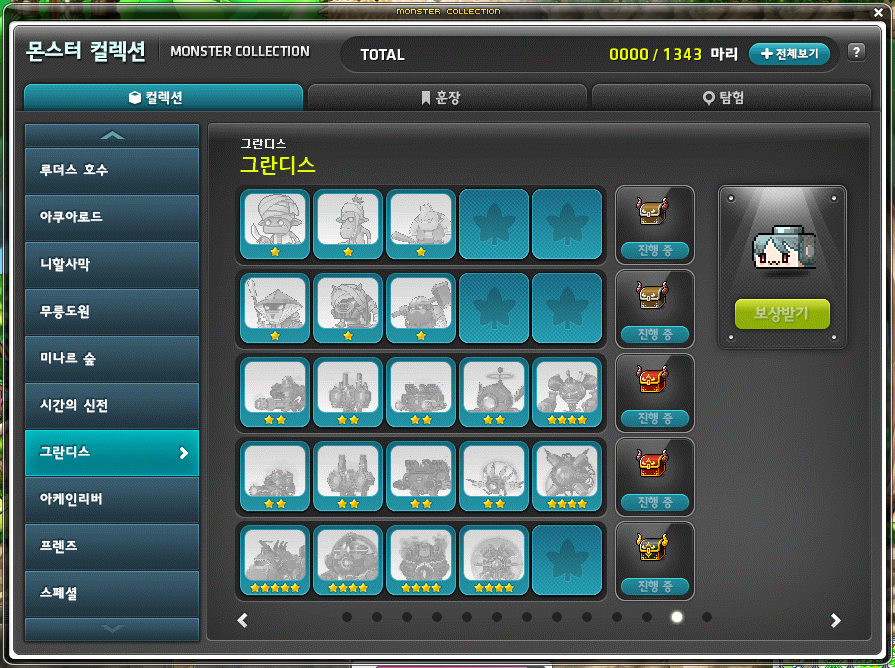
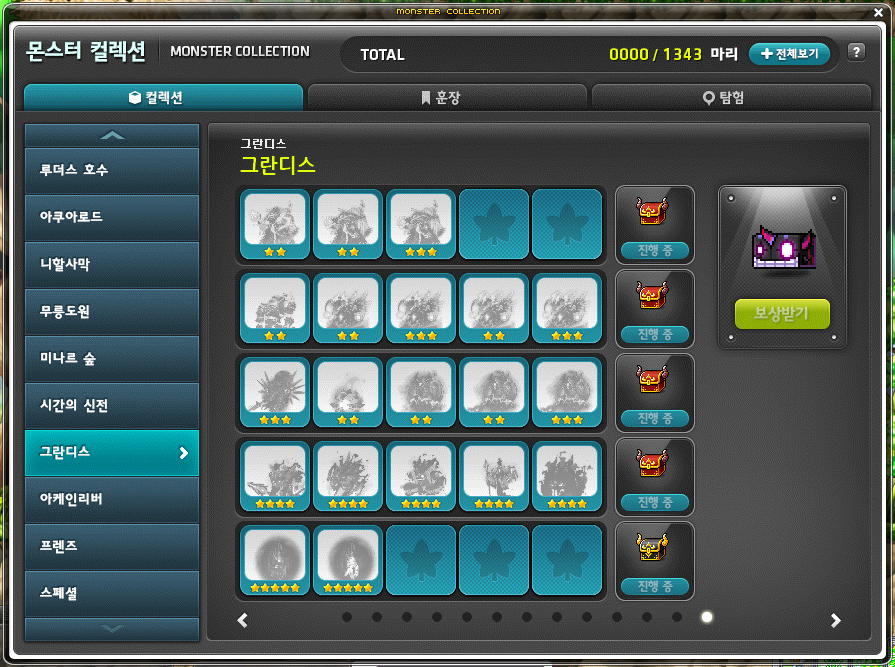
The following monsters have been added to Monster Collection.
- Sloppy Marauder
- Fierce Marauder
- Dangerous Marauder
- Suspicious Outlaw
- Angry Outlaw
- Vicious Outlaw
- Angler Scout
- Angler Trooper
- Angler Titan
- Angler Hornet
- Centurion: Prototype
- Enhanced Angler Scout
- Enhanced Angler Trooper
- Enhanced Angler Titan
- Enhanced Angler Hornet
- Angler Warning System
- Triton
- Angler Commander
- Angler Duke
- Angler Sentinel
- Ash-Eating Thought
- Silence-Devouring Thought
- Weakness Silence-Devouring Thought
- Soul Slaughterer
- Judge of Storms
- Black Chains’ Judge of Storms
- Executor of Eternity
- Potion-Hating Executor of Eternty
- Sticky Dark Thought
- Lost Thought
- Bringer of Night
- Bringer of Illusions
- Undead Bringer of Illusions
- Specter A
- Specter B
- Specter C
- Specter D
- Source’s Shadow
- Limbo That Reached the Truth – Black
- Limbo That Reached the Truth – White
New Cube Chairs have been added.
- Senya Cube Chair
- Limbo Cube Chair
Cash

Platinum Apples will be sold.
- Sale Period: October 24, 2024 at 10:00 AM ~ December 18 at 11:59 PM.
- The Platinum Apple list has been updated.
- A new item, the Karma 20 Star Force Enhancement Scroll (Level 160), will be added.
※ The Karma 20 Star Force Enhancement Scroll (Level 160) is a tradable item that expires in 30 days.
In the Cash Shop, it has been improved so that you can now purchase multiple items at the same time for items that have a purchase limit.
Fixed spelling errors in the Mileage Shop and Special Product guide text.
Improvements
Skills
Common
- It has been improved so that Decent Holy Fountain’s action delay is affected by attack speed.
- It has been improved so that if you use Decent Holy Fountain while heal blocked, the number of uses will not be consumed.
- Fixed an issue with certain skills’ Effect On/Off features did not work for other users. The changed skills are as follows.
- Aran – Blizzard Tempest
- Demon Slayer – Blue Blood
- Fixed an issue in the Hyper Skill UI and certain jobs’ skill UIs where the On/Off function worked even if a skill level was 0.
Dark Knight
- Fixed an issue where certain skills’ effects and skill sound effects were not displayed to other users. The changed skills are as follows.
- Beholder Shock
- Beholder Dominant
- Beholder Shock II
- Beholder Shock III
- Beholder’s Revenge
Bishop
- It has been improved so that Holy Fountain’s action delay is affected by attack speed.
- It has been improved so that if you use Holy Fountain while heal blocked, the number of uses will not be consumed.
Dual Blade
- It has been improved so that in situations where Semi Dualer Agility cannot be used, using Flash Jump with the up arrow key will use it in the direction you are facing.
Zero
- It has been improved so that in situations where Burst Jump cannot be used upwards, using Burst Jump with the up arrow key will use it in the direction you are facing.
Monsters

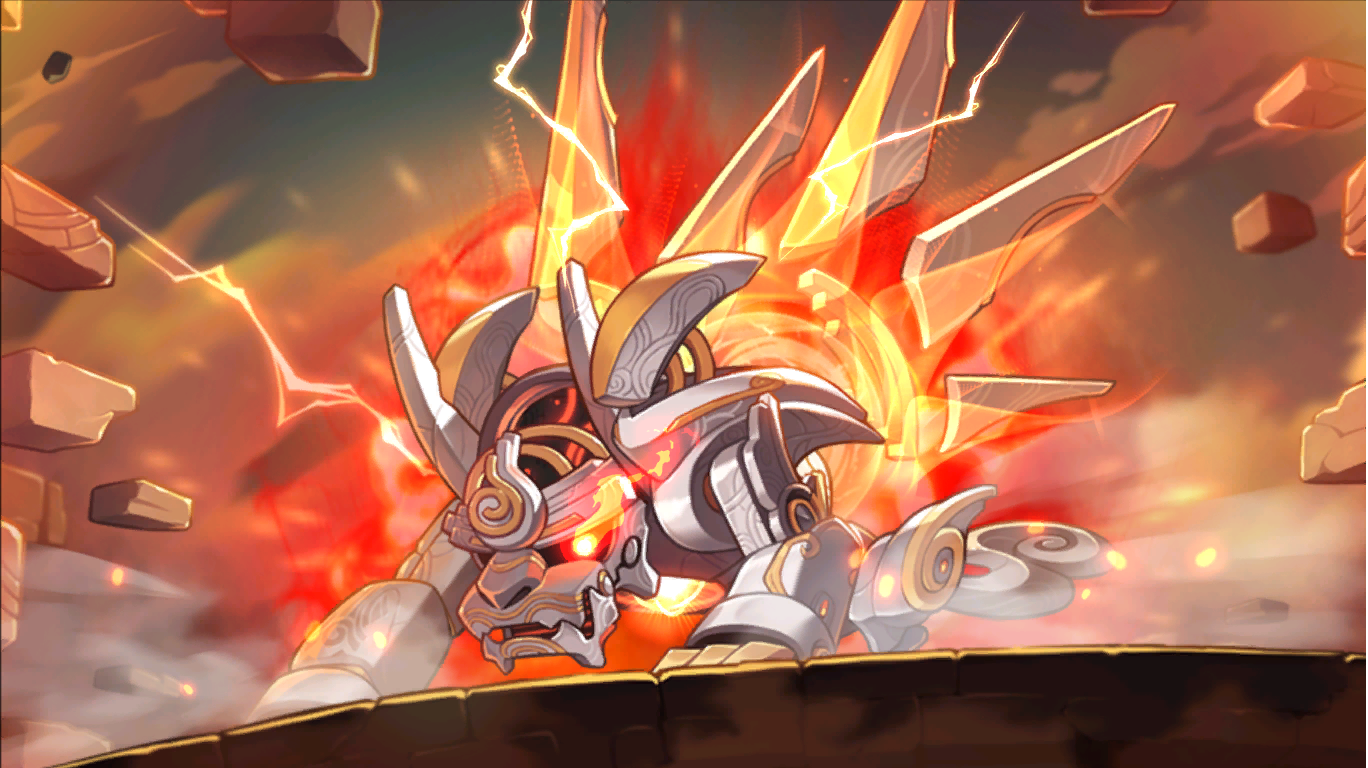
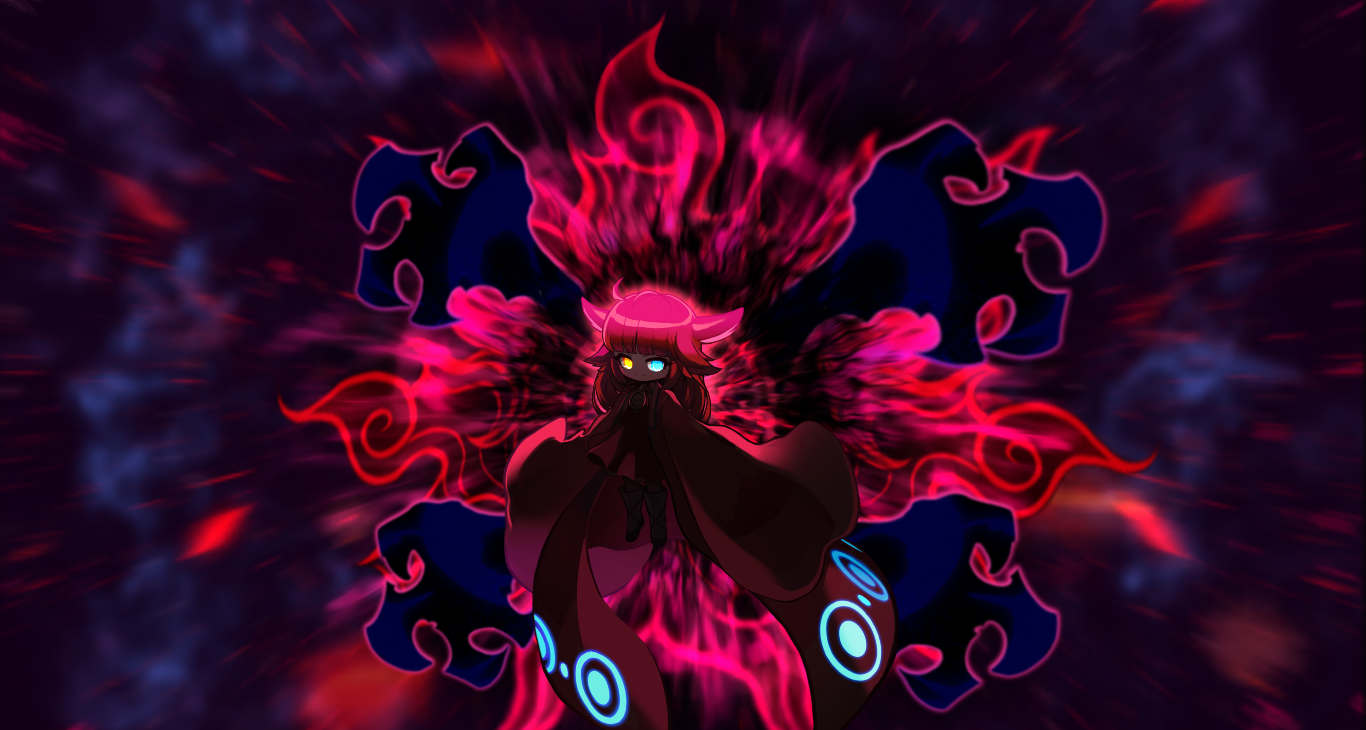
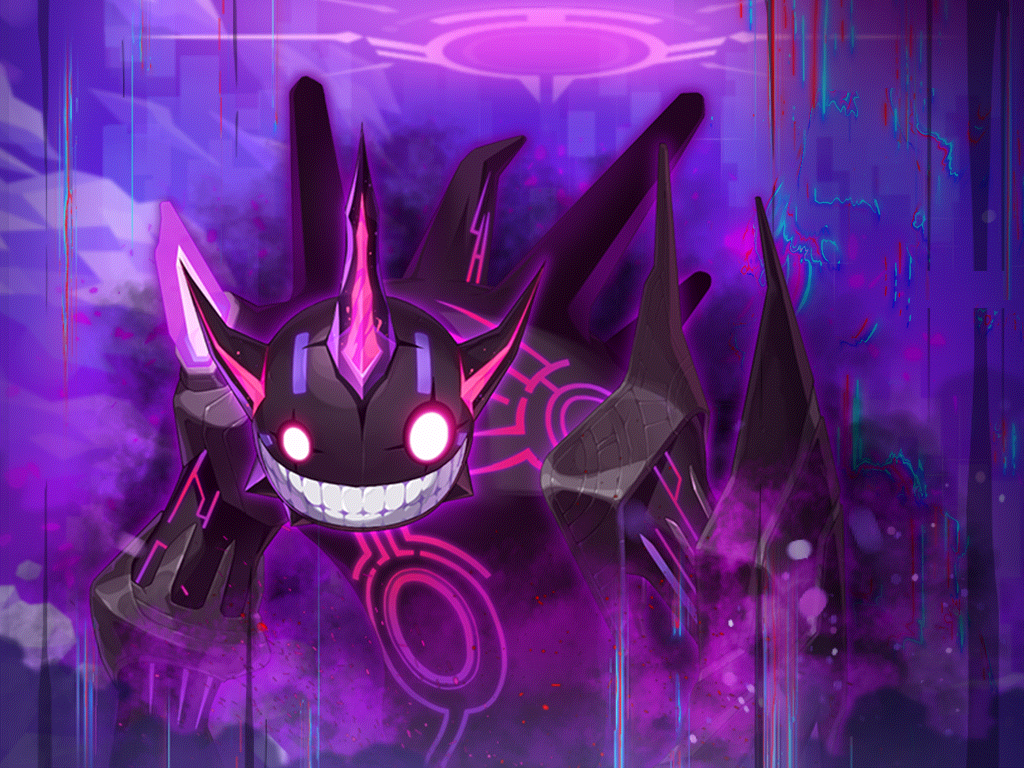
Certain bosses’ HP has been decreased by about 11%. The changed bosses are as follows.
- Chosen Seren (Extreme)
- Watcher Kalos (Chaos/Extreme)
- Kaling (Hard/Extreme)
- Limbo (Hard)
Chosen Seren (Extreme)
- The Death Count has been increased from 5 to 8.
- In Phase 1, the Sun’s Sword Slash’s stun duration has been decreased by 50%. (Note: this is the banana.)
- In Phase 2 Dawn, the maximum number of Nerota’s Incarnations summoned has been decreased from 4 to 3. (Note: these are the deer.)
Watcher Kalos
- In Phase 2, the location where you are revived after dying has been changed.
- In phase 2, the Watcher’s Infiltration’s number of hits has been decreased from 3 to 1. (Note: this is the dive attack, damage decreased from 100% HP x 3 to just 100% HP.)
- In Phase 2, the Eye of the Abyss’ attack range has been decreased by about 76%. (Note: these are the blind arrows.)
- In Chaos and Extreme Mode, the Death Count has been increased from 5 to 8.
Maps
It has been improved so that when you try to enter a Flame Wolf portal and choose the ‘I don’t want to go.’ option, the Flame Wolf portal will now disappear after you confirm the end of the dialogue.
UI
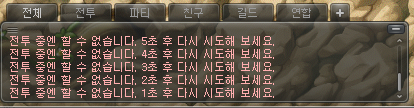
The in-combat status guide method has been changed from a pop-up window to a system message. (Note: this is the pop-up that appears when you try to change equipment or channels while in-combat. Now it just displays a message in the chat window that says how many seconds until you will be out-of-combat.)
It has been improved so that when the Union UI is open, you can now claim your Union Coins regardless of your current location.
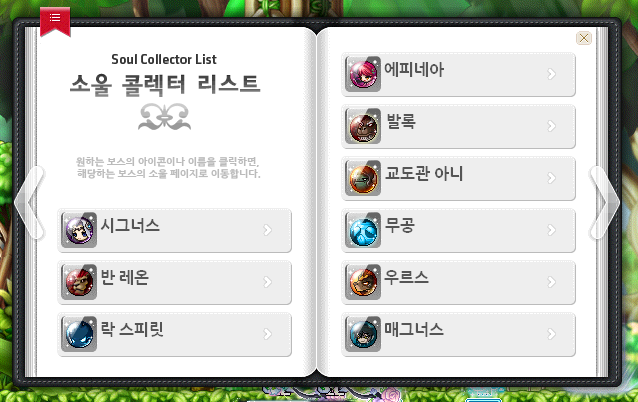
The Soul Collector UI has been improved.
- Arrows have been added to guide moving between pages.
- The Bookmark button has been improved so that you can use it to return to the previous Soul Collector UI.
- It has been improved so that you can move between pages in the Soul Collector UI by scrolling the mousewheel.
DirectX 11
It has been improved so that the issue where the mouse would stutter if you had the Windows 11 – Graphics options’ Optimized for Windowed Games option activated will no longer occur.
DirectX 9 and DirectX11 will now both be supported even if you are using an Intel Graphics Card. You can select them when you run the game.
When applying DirectX 11, if the game window is moved to another monitor, the Full Screen options will be changed to the resolutions supported by that monitor.
Skill Changes
Dual Blade
 Karma Blade:
- The damage of the additional attack activated when Blades of Karma are consumed has been increased from 1071% to 1224%.
- The number of hits of the additional attack activated when Blades of Karma are consumed has been decreased from 8 to 7.
Error Fixes
Skills
Common
- Fixed an issue where if you used a Giant Potion, certain summon skills’ buff icons would not be displayed. The changed skills are as follows.
- Common – Erda Fountain, Spider in Mirror, Crest of the Solar, Sol Janus: Dawn
- Adventurer Archer – Evolve
- Adventurer Pirate – Pirate Flag
- Demon – Call Mastema
- Resistance – Resistance Line Infantry
- Anima – Lotus Flower
- Hero – Sword of Burning Soul
- Archmage (F/P) – Poison Region, Ifrit
- Archmage (I/L) – Thunder Sphere, Spirit of Snow
- Bishop – Fountain for Angels, Angel of Libra
- Bowmaster – Phoenix, Quiver Flow
- Marksman – Freezer, Bolt Flow, Arrow Illusion
- Pathfinder – Raven, Relic Unbound (Blast/Discharge/Transition)
- Night Lord – Dark Lord’s Secret Scroll
- Dual Blade – Dummy Effect
- Captain – Summon Crew, Assemble Crew, Siege Bomber, Sign of Bombard, Battleship Bomber, Battleship Bomber VI, Dreadnought
- Cannon Shooter – Magnetic Anchor, Support Monkey Twins, Rolling Cannon Rainbow, Pool Maker, Special Monkey Escort, Magnetic Anchoer VI
- Mikhail – Install Shield
- Soul Master – Cosmic Shower, Soul Eclipse, Cosmic Shower VI
- Flame Wizard – Element: Flame, Spirit of Flame, Salamander Mischief
- Wind Breaker – Emerald Flower, Emerald Dust, Silence
- Aran – Frozen Ground
- Evan – Summon Onyx Dragon, Zodiac Ray, Spiral of Mana
- Eunwol – Missing You, Spirit Frenzy
- Luminous – Gate of Truth
- Demon Slayer – Orthrus
- Demon Avenger – Dimension Sword, Requiem
- Battlemage – Death, Grim Reaper, Death VI
- Mechanic – Robot Launcher: RM7, Magnetic Field, Support Waver, Robot Factory: RM1
- Xenon – Hologram Gravity: Penetrate, Hologram Gravity: Force Field, Hologram Gravity: Support, Hologram Gravity: Penetrate VI, Hologram Gravity: Force Field VI, Hologram Gravity: Support VI, Hologram Gravity: Fusion
- Kaiser – Petrified, Guardian of Nova
- Kinesis – Another World’s Afterimage
- Illium – Rio, Machina, Crystal Skill: Deus, Gram Holder, Unlimited Crystals
- Khali – Death Blossom
- Lara – Eruption: Heaving River, Eruption: Whirlwind, Eruption: Sunrise Well, Eruption: Heaving River VI, Eruption: Whirlwind VI, Eruption: Sunrise Well VI
- Hoyoung – Seeking Ghost Flame, Warp Gate, Star Vortex, Tiger of Songyu, Wrath of Gods, Earth: Stone Tremor VI
- Fixed an issue where Decent Holy Fountain could sometimes be installed multiple times.
Bishop
- Fixed an issue where Holy Fountain could sometimes be installed multiple times.
Pathfinder
- Fixed an issue where Additional Blast’s damage was not applied.
Captain
- Fixed an issue where Sign of Bombard was sometimes not installed when using Auto Use Mode.
- Fixed an issue where if Rapid Fire VI: Wild Fire Mode ended while in the air, the attack would not continue.
Flame Wizard
- You can now acquire Flame Discharge’s Flames when using Blazing Extinction Fox Mode and Blazing Extinction VI Fox Mode.
Demon Slayer
- Fixed an issue where Demon Impact VI: Demon Chain’s attack reduction effect was not applied.
Zero
- Fixed an issue where Ego Weapon’s Alpha skill icon was sometimes displayed awkwardly.
Lara
- It has been changed so that Lara can use Dragon Vein Absorption after getting level 1 of any single Absorption skill.
Hoyoung
- Fixed an issue where Out of Sight was removed when using Graceful Leap upwards.
- Fixed an issue where certain cosmetic items and Hoyoung’s ears did not turn black and white when using Sage: Dreams of Shangri-La.
Quests
Fixed an issue where quests could sometimes be completed even after the quest expiration time ended.
Fixed an issue where if you defeated the Genesis Egg during the Genesis Weapon quests, the quest guide was displayed awkwardly.
The <The Dead Don’t Speak. But Aswan Ghosts Speak a Lot> achievement conditions have been changed. You can complete this achievement by complting all of the Aswan quests.
Items
Fixed an issue where the Basic MeTooRoid Ear Sensors (Pink/Blue) and Premium MeTooRoid Ear Sensors (Pink/Blue) were not visible when hanging on a rope or ladder.
The Crispy Fried Shrimp Hat item icon image has been changed.
Fixed an issue with the Maple Style Magazine Chair where characters were not visible when sitting on it.
Fixed an issue where 100% Pet Equipment Innocent Scrolls could not be used on Machine Hearts.
Fixed an issue where the Charm experience text was awkward.
Fixed an issue where certain Authentic Symbol Vouchers’ exchangable item information was displayed incorrectly.
NPCs
Fixed an issue where the Storage UI’s NPC appearances did not change based on quest conditions.
Monsters
Fixed an issue in Tynus’ summon cutscene where hidden skill effects did not reappear.
Fixed an issue where certain boss reward monsters moved to the left or right depending on the character’s location after being hit.
- Pierre (Normal/Chaos)
- Bloody Queen (Normal/Chaos)
- Black Mage (Hard/Extreme)
Fixed an issue in Epic Dungeons where if certain skills defeated monsters, the client would close.
Maps
The minimap will no longer be visible in Magatia’s Dark Lab.
Fixed an issue in Epic Dungeon: Angler Company Stage 4/7 where the Angler Suit tooltip displayed the required Charge amount to enter the Security Zone as 1,000.
Fixed an issue in the ‘Eyes of the Ishfira’ map where certain platform images were awkward.
Fixed an issue where the navigation from the Talaheart area ‘Tomb of the GOds’ map to other maps within Talaheart was awkward.
In non-Authentic Force maps, the Rune respawn time has been changed to be 15 minutes, the same as the cooldown.
UI
Fixed an issue where the sound effects were not played when transferring Equipment Traces and Toad’s Hammer.
Fixed an issue in the Union UI where if only the 1 MapleStory M character was placed, the preset would not be applied properly.
Fixed an issue in the Character Select window where the click range for the Job Growth Status was sometimes incorrect.
Fixed the spelling errors in Special Cores and Artifact Extension guide text.
Fixed an error in certain situations where the ‘Please try again after a certain period of time’ guide text was wrong.
Fixed an issue in the Cash Shop where equipment items’ Star Force and Scroll enhancement values were not displayed separately.
Fixed an issue in the Soul Collector UI where if you checked the skills of a boss with 2 Soul Skills then moved to the tab of a boss with only 1 Soul Skill, the Soul Skill information could not be checked.
Fixed an issue in the Soul Collector UI where if a boss had 2 Soul Skills, only the second skill icon would be displayed. Each skill’s icons will now be displayed.
Fixed an issue where if you hovered over a chat link while using external chat, the tooltip would be displayed in the center of the game screen.
Fixed an issue with the Results window that appeared when using Wonderberries where if you input the Enter key repeatedly, the Close button would not work properly.
Fixed an issue where changing resolutions would sometimes cause the notification window’s location to be awkward.
Fixed an issue where if you had a Grand Authentic Symbol equipped that can be leveled up, the Authentic Symbol tab button in the inventory UI would not flash.
Fixed an issue where the Grand Authentic Symbol UI could not be opened in boss content’s reward phases.
Fixed an issue where if you used DirectX 9 and external chat, moving the game window to another monitor would cause the external chat to freeze.
Fixed an issue with equipment tooltip’s Combat Power increase where it did not reflect the effects of Yaldabaoth of Destruction skill and Demon Avenger’s Conversion Star Force.
Fixed an issue where after entering Underground Culvert, the mouse pointer would move awkwardly when the countdown screen effect played.
Fixed an issue where teh chat window was not visible in certain story cutscenes.
It has been changed so that the Buff Bookmarks UI displays the number of Shadower’s Smokescreen and Battle Mage’s Shelter installed in the buff icon.
Fixed an error where sometimes the character’s The Seed weekly ranking record was not refreshed.


“Fixeds pelling errors in the Mileage Shop and Special Product guide text.”
A little ironic lol
😳
Do you personally find the new dungeons to be fun?
I personally don’t really like roguelikes but its pretty fast to do a run so I don’t mind! Also I’m really interested in the lore and they actually put almost nothing into the actual story quests, all of it is in the runs – item flavour text, meeting NPCs, etc. and you have to do multiple runs to get the whole story which I am looking forward to.
Thank you for the quick translations Max!
😊
Hello Max! There will be an extended VAC pet range when 3 is equipped at the same time, but I would like to ask if all 3 pets has to be from the same series or not?
It has to be from the same set as the increased vac loot range is attached to the 3 set effect (the one that gives attack).
Looks like Maple is officially on the downslope
uninspiring new content that’s solely geared toward revenue generation, boring new ‘endgame’ bosses that only exist to push the goalposts further
the regular server whales are gonna eat this shit up though 😋
Not super pleased with these rewards either as I assume it’ll be severely gimped for reboot on GMS, but it’s not really Whale content it’s more just meso for reg since you get more meso than you pay for it as you can just buy maple points with meso.
I wouldn’t say it’s on a downslope, more just that they’re making up for lost monetization from switching cubes to be purchased with meso on reg. I assume it’ll be more normal content pretty soon.
Appreciate the boss pattern naming in brackets.
Sad that the game is really stale in term of upgrading damage atm beside the last few Eternal swaps.
Do we know much about the lore yet? Will people have to play through all of the possible combinations of visitor item trades before we’ll know what the full story is?
https://namu.wiki/w/%EC%95%84%EC%A6%88%EB%AA%A8%EC%8A%A4%20%ED%98%91%EA%B3%A1#s-5
Can get a brief summary from Namu Wiki (using google translate)
Are they removing Kritias?
No Kritias is still there, just not clickable from the Leafre world map anymore (it still shows Kritias >> on the right middle part though)
ty Max
Hello. Your character in these screenshots has the homunculus face. Do you know if this face has ever been available in GMS? I can’t seem to find any info on it.
It’s a Golden Hands face so it was from the KMS user created cosmetics contest, not sure if other versions got it!